Container Ascent
Build images layer by layer, run containers, wire them together with Compose, ship them through GitHub Actions to AWS, then run the whole app on Kubernetes: Deployments, Services, Ingress, Helm, cert-manager and Skaffold.
Interactive 3D courses · run in your browser
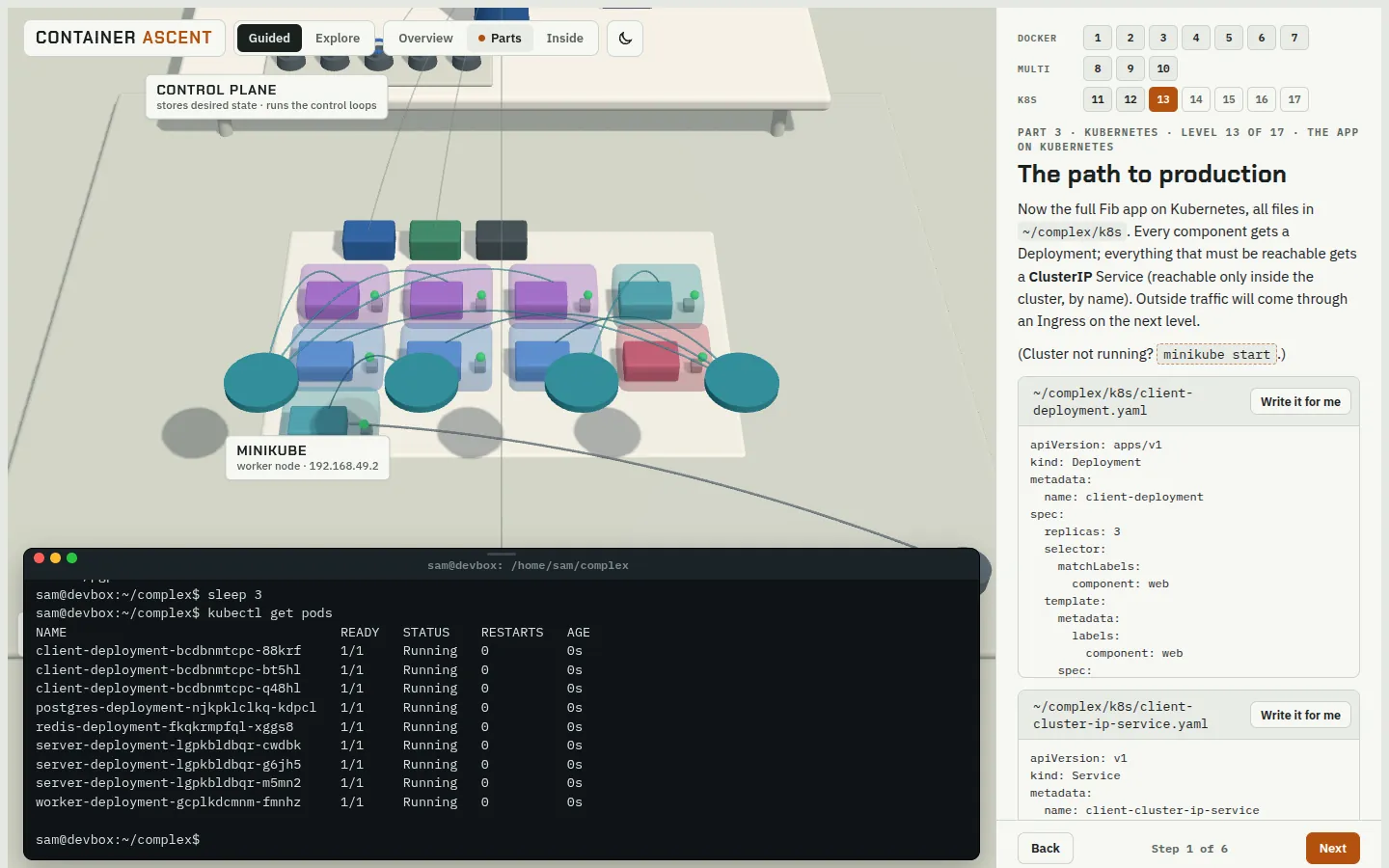
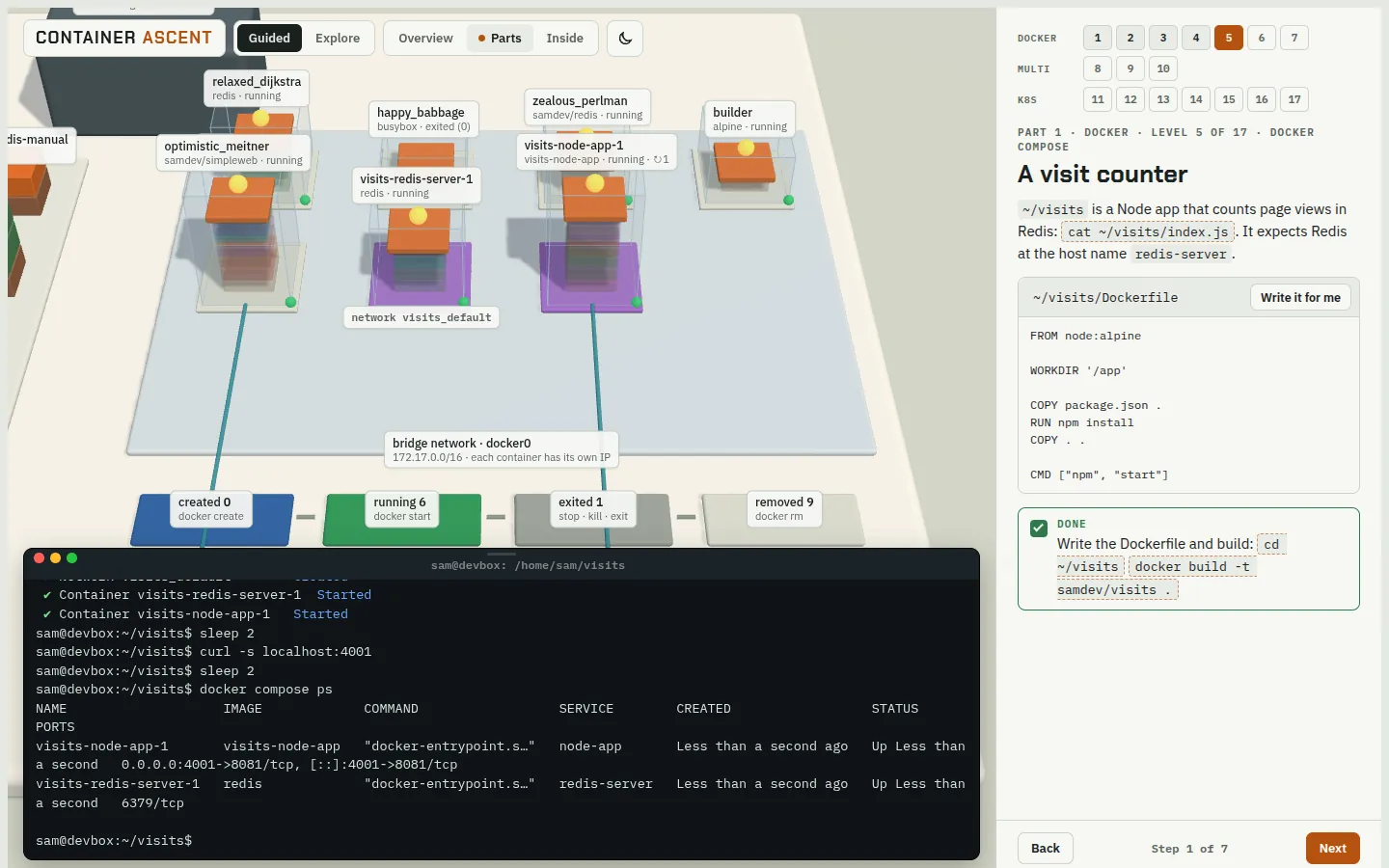
Every route gives you a simulated machine and a terminal. Type real commands and watch them happen in a live 3D world: images split into layers, containers start, Pods get scheduled. Zoom in until you see how it works.
No account, no install. Nothing you type touches a real system.
Open route
One course, three camps. You start with docker run hello-world and finish with a Google Kubernetes Engine cluster that deploys every commit and serves your app over HTTPS.
Build images layer by layer, run containers, wire them together with Compose, ship them through GitHub Actions to AWS, then run the whole app on Kubernetes: Deployments, Services, Ingress, Helm, cert-manager and Skaffold.
How a level works
Each step is short. A check turns green as soon as the simulation shows you did it, so you always know when to move on.
docker run hello-world. Click a command and it types itself into the terminal.A few sentences per step, written to be done, not memorised.
A real shell with about a hundred commands, Docker, kubectl and cloud CLIs, all simulated.

The 3D world reacts to every command. Scroll toward anything to see inside it, click it to learn what it is.
Coming next
Same idea, other mountains. They open here when they are ready.
The shell from the ground up: files, permissions, processes, services and scripting, on a Linux machine you can break and reboot.
How a computer works: from a single transistor through logic gates, an ALU and memory to a CPU that runs your programs.